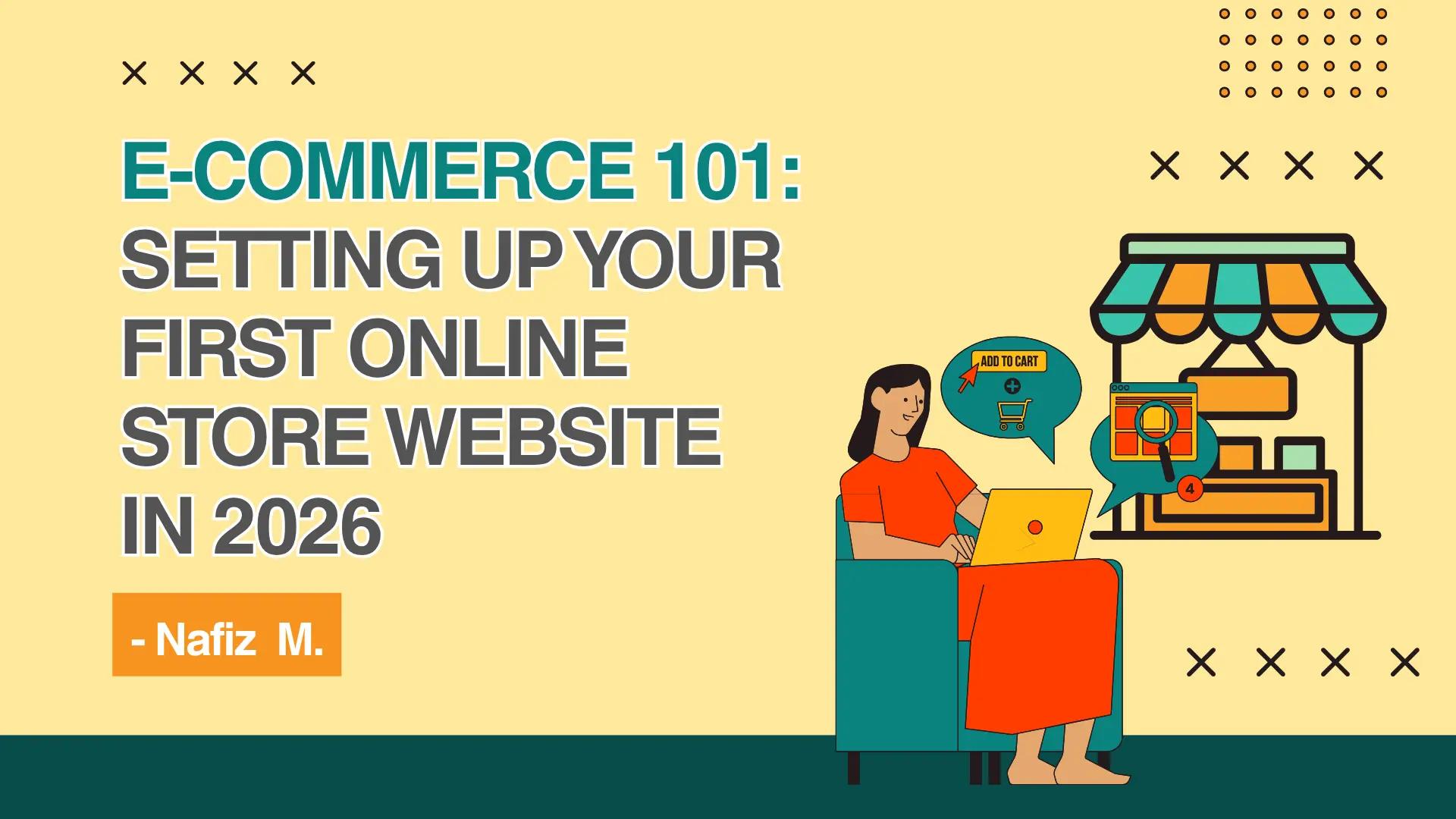
The digital marketplace is evolving faster than ever. With AI-driven shopping assistants, seamless mobile wallets, and augmented reality try-ons becoming the norm in 2026, consumers expect more from the brands they buy from. But don't let the advanced tech intimidate you—starting an online business has never been more accessible.
Whether you’re selling handmade crafts, dropshipping tech gadgets, or launching your own apparel line, the foundation of your success starts with a solid digital storefront.
Welcome to E-Commerce 101. In this guide, we’ll walk you through the exact steps for setting up your first online store website, from picking your niche to hitting that "Launch" button.
Step 1: Define Your Niche and Target Audience
Before you touch any website builders, you need to know what you are selling and who you are selling it to. The most successful e-commerce stores don't try to sell everything to everyone.
- Find Your Niche: Look for the intersection of your passion, market demand, and profitability.
- Identify Your Buyer Persona: Who is your ideal customer? What are their pain points? What social media platforms do they spend the most time on?
- Analyze the Competition: Look at what existing stores in your niche are doing right—and more importantly, where they are falling short. That gap is your opportunity.
Step 2: Choose Your E-Commerce Platform
Your e-commerce platform is the engine that will power your store. Choosing the right one depends on your technical skills, budget, and business goals. Here are the top contenders in 2026:
- Shopify: The undisputed king of beginner-friendly e-commerce. Shopify a fully hosted, all-in-one solution with thousands of apps and themes. Perfect for those who want to launch fast without worrying about server maintenance.
- WooCommerce (WordPress): Best for those who want 100% control and customization. It’s an open-source plugin, meaning it’s free to use, but you will need to pay for your own hosting and manage security updates.
- BigCommerce: A fantastic middle-ground that offers robust built-in features and excellent scalability for businesses planning to grow rapidly.
Pro Tip: If you are a complete beginner, start with Shopify. If you are a WordPress pro who loves tweaking code, go with WooCommerce.
Step 3: Secure Your Domain Name and Hosting
Your domain name is your digital real estate. It should be memorable, easy to spell, and ideally a .com
Keep it short and brandable: Avoid hyphens and numbers if possible.
Check social media handles: Ensure the name is available across Instagram, TikTok, and X (formerly Twitter) for consistent branding.
Sort out Hosting: If you chose a hosted platform like Shopify, hosting is included. If you chose WooCommerce, you’ll need to purchase reliable, high-speed web hosting (look for providers optimized for e-commerce like SiteGround or WP Engine).
Step 4: Design Your Storefront (Mobile-First!)
In 2026, over 70% of e-commerce traffic comes from mobile devices. If your website doesn't look and function perfectly on a smartphone, you will lose sales.
- Choose a Theme: Pick a clean, responsive theme that aligns with your brand identity.
- Prioritize UX (User Experience): Your navigation should be intuitive. Customers should be able to find a product and reach the checkout in three clicks or less.
- Optimize Site Speed: Compress your images and minimize heavy animations. A one-second delay in page load time can drop conversions by 7%.
Step 5: Add Products and Write Compelling Descriptions
This is where your store comes to life. Don't just copy and paste manufacturer descriptions; Google's algorithms (and your customers) will penalize you for duplicate, boring content.
- High-Quality Visuals: Use high-resolution images. Include multiple angles, lifestyle shots, and if possible, 360-degree views or AR (Augmented Reality) previews.
- SEO-Friendly Copy: Write product titles and descriptions using keywords your target audience is searching for. Focus on the benefits of the product, not just the features.
- Organize with Collections: Group your products into logical categories (e.g., "Summer Essentials," "Best Sellers") to help users browse easily.
Step 6: Set Up Payments, Shipping, and Taxes
The logistical backbone of your store needs to be frictionless. If checking out is difficult, customers will abandon their carts.
- Payment Gateways: Enable a mix of traditional and modern payment options. Credit card processing (via Stripe or PayPal) is mandatory, but ensure you also offer digital wallets like Apple Pay, Google Pay, and "Buy Now, Pay Later" (BNPL) options like Klarna or Afterpay.
- Shipping Strategy: Decide if you will offer free shipping (and bake the cost into the product price), flat-rate shipping, or real-time carrier calculated rates.
- Taxes: Use automated tax calculation tools provided by your e-commerce platform to ensure you are collecting the correct sales tax/VAT based on your local laws and your customers' locations.
Step 7: Test, Launch, and Market
You’re almost at the finish line! Before you announce your store to the world, put on your customer hat and test everything.
- The Test Run: Place a test order. Did the confirmation email arrive? Was the shipping calculated correctly? Does the checkout flow smoothly on your phone?
- Set Up Analytics: Install Google Analytics 4 (GA4) and set up your platform’s native tracking to monitor visitor behavior and sales data from Day 1.
- Launch Marketing: Build hype before you go live. Start an email waitlist, tease products on TikTok and Instagram Reels, and consider running a small launch-day discount code to incentivize those first crucial sales.
Final Thoughts
Setting up your first online store website is a massive milestone. While the setup process might feel like a lot to take in at first, taking it one step at a time will make the journey manageable and exciting.
Remember, your store doesn't have to be 100% perfect on launch day; the beauty of e-commerce is that you can always optimize, tweak, and improve based on real customer data.
Ready to take the leap? Pick your niche, choose your platform, and start building your digital empire today.
🚀 Want a Professional to Build Your Online Store for You?
Let's be honest—juggling platform choices, theme customization, payment integrations, and SEO optimization can feel overwhelming, especially when you'd rather focus on your products and growing your brand.
That's where I come in.
I'm Nafiz, a professional web developer specializing in custom e-commerce websites that are fast, mobile-optimized, and built to convert visitors into loyal customers. Whether you need a brand-new store from scratch, a fully customized WooCommerce setup, or a complete redesign of your existing site, I've got you covered.
Here's what you get when we work together:
✅ A stunning, mobile-first store design tailored to your brand
✅ Seamless payment, shipping, and tax integrations
✅ SEO-optimized product pages built to rank on Google
✅ Lightning-fast load speeds for maximum conversions
✅ Ongoing support so you're never left guessing
Stop stressing over the tech and start selling.
Connect with me in my portfolio: https://nafizdevportfolio.vercel.app/
Let's turn your e-commerce vision into a fully functional, revenue-generating online store.
Your dream store is just one conversation away.