If your website looks broken, slow, or awkward on mobile, you’re not alone — and it’s a problem worth fixing fast.
Most people browsing local businesses, services, and online stores do it from their phones. If your site is hard to read, slow to load, or difficult to navigate, visitors may leave before they ever contact you.
Here are the most common reasons websites look bad on mobile — and what to do about it.
1. Your Website Isn’t Responsive
A responsive website automatically adjusts to fit different screen sizes. If your site wasn’t built with mobile in mind, it may simply shrink the desktop version down, forcing visitors to pinch, zoom, and scroll sideways.
That creates a frustrating experience and makes your business look outdated.
2. Your Layout Was Designed for Desktop
Menus, images, forms, and buttons that work fine on a computer can fall apart on a smaller screen.
Common issues include:
- Text too small to read
- Buttons too close together
- Images cut off
- Forms difficult to fill out
- Menus hard to use
Mobile visitors need a simpler, clearer layout that helps them take action quickly.
3. Your Website Loads Too Slowly
Large images, too many plugins, and heavy design elements can slow your site down — especially on mobile.
If your website takes too long to load, people may leave before it even appears. Speed matters for user experience, conversions, and search rankings.
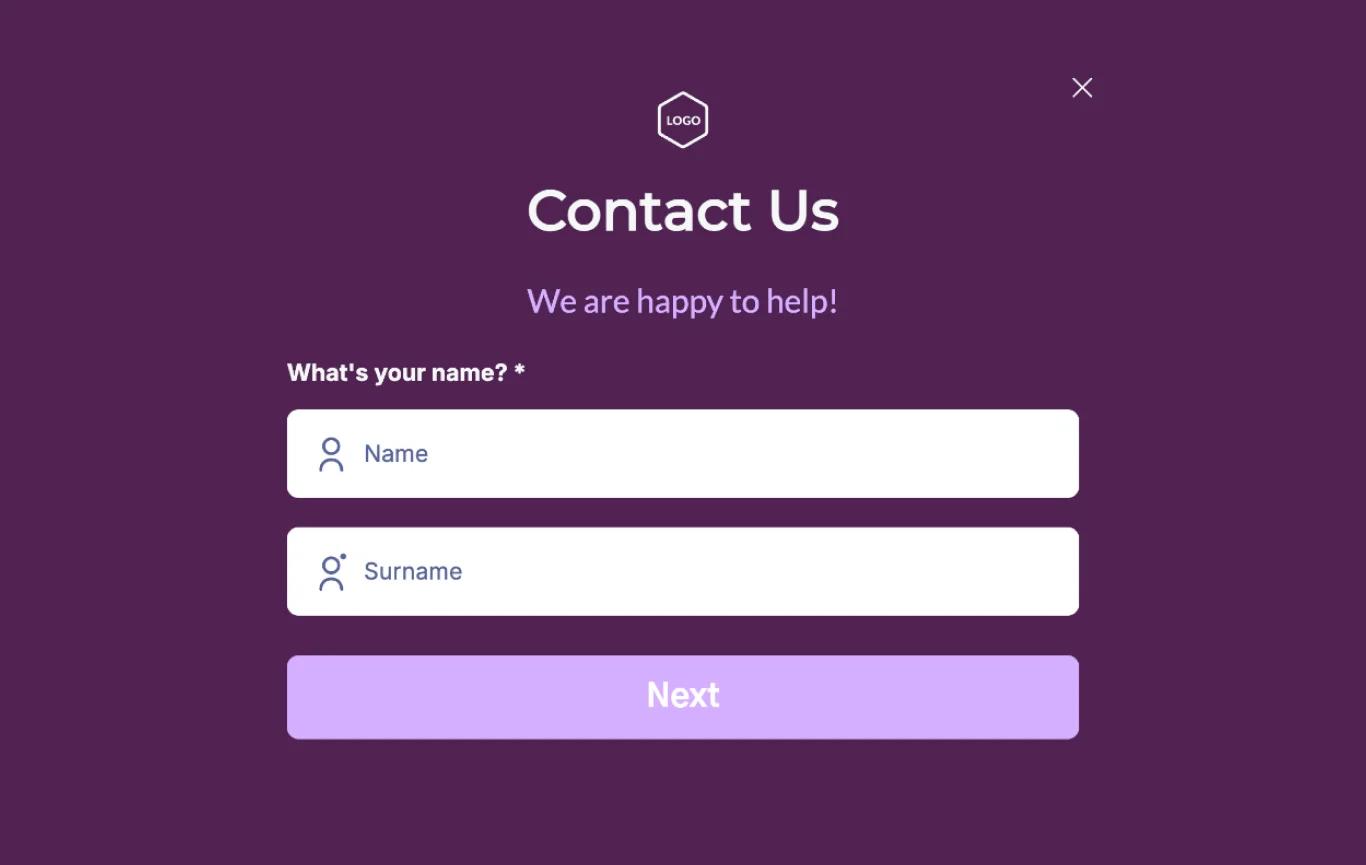
4. Your Contact Form Is Hard to Use
If someone wants to contact you from their phone, your form should make it easy.
But many mobile forms have tiny fields, too many questions, unclear labels, or buttons that are hard to tap. If contacting you feels difficult, visitors may give up.
5. Your Website Looks Outdated
Mobile users expect modern websites to feel clean, fast, and easy to use. If your site looks old or broken, visitors may assume your business is too — even if your work is excellent.
Your website is often your first impression. It should build trust, not push people away.
What Should You Do?
Start by checking your website on a real phone. Ask yourself:
- Is the text easy to read?
- Can visitors tap buttons easily?
- Does the menu work properly?
- Do images display correctly?
- Is the contact form simple to complete?
- Does the site load quickly?
If the answer to any of these is no, your mobile experience likely needs improvement.
Some issues can be fixed with small adjustments. Older websites may need a redesign or performance upgrade to truly solve the problem.
Need Help Fixing Your Mobile Website?
If your website looks bad on mobile, don’t leave it to chance. I can review your site, identify what’s hurting the mobile experience, and help you fix it — whether that means quick improvements or a cleaner, mobile-friendly redesign.
Let’s make your website look great, load faster, and turn more mobile visitors into customers.
Here’s my portfolio: https://nafizdevportfolio.vercel.app/